Logging In
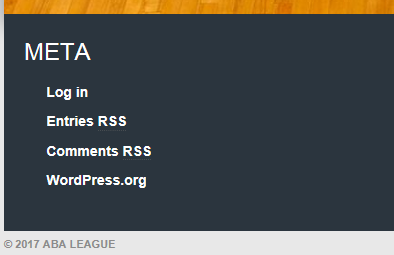
To enter a lineup you must first log in. Scroll to the Meta area at the bottom of the ABA Home Page, and click “Log in”.
You will then see this login screen. Enter the Username and Password information that has been provided to you, and then click the BLUE “Log In” button. (Once in the system, you can change your password to one of your choice in the Profile section.)
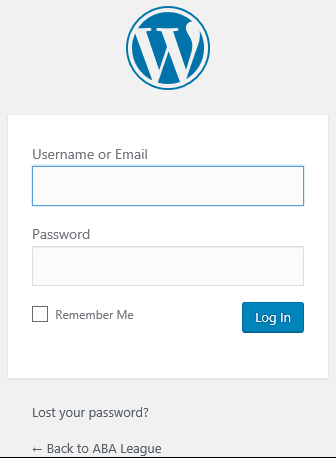
Click Here For "Lost Your Password?" Link
The system will e-mail you a new, temporary one.
Click Here For "Back to ABA League" Link
You will be returned to the ABA Home Page without logging in.
Click Here For Checking the "Remember Me" Box
The system will remember your password so you don't have to enter it every time.